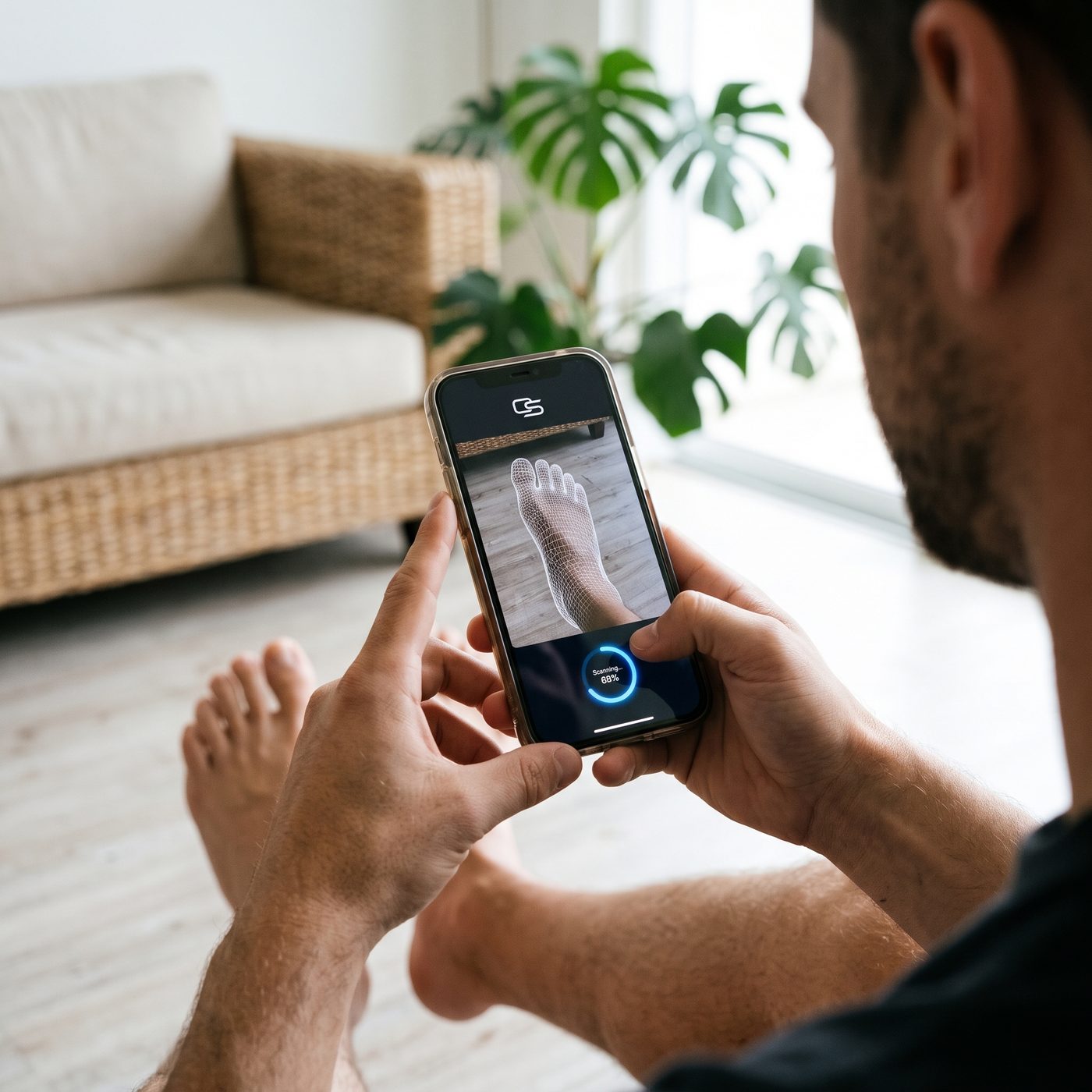
Scan
Scan your feet
60 seconds per foot. Two ways, same result.
Before you start
- Socks off, bright room.
- Sit on a chair or sofa and rest your foot on the opposite knee, sole facing up. The foot must carry no weight.
- Have your order reference ready (you get it when you order; you can also order after scanning).
60 s
iPhone Pro or iPad Pro (LiDAR)
- Install a free scanning app: Polycam, Scaniverse or 3D Scanner App.
- New scan, LiDAR or Object mode. Start 30 cm from the sole.
- Move slowly around the sole, the inside edge, the heel and the top of the foot. Stop. Repeat for the other foot.
- Export each scan as OBJ, PLY, GLB, STL or USDZ, then upload the two files below.
7 photos
Any phone (Android, iPhone without LiDAR)
- Put a sheet of paper (A4 or US letter) on the floor: it gives us the scale.
- Foot flat on the sheet: one photo from straight above, one from the inside edge at floor level. Both feet.
- Foot resting on the opposite knee: one photo of the sole, straight on. Both feet.
- Standing, feet apart: one photo of both heels from behind.
- Upload the 7 photos below.
Upload your scan
Files up to 200 MB each. 3D files or photos. Both feet.